# 1. 推送代码到 GitHub
cd feishu_schedule_bot
git init && git add . && git commit -m “init”
git remote add origin https://github.com/你的账号/feishu-schedule-bot.git
git push -u origin main
# 2. ACR 控制台配置自动构建(2 分钟设置)
# → 镜像仓库 → 创建 feishubot/schedule-bot
# → 构建 → 添加规则 → 关联 GitHub 仓库 → 立即构建
在构建的时候出错如下:
1==========================================2[fetch stage begin.]3clone from remote repository: https://github.com/xxx.git, branch: main4Cloning into ‘/workspace’…5fatal: unable to access ‘https://xxx.git/’: Encountered end of file6[fetch failed, takes 90s.]7==========================================8[fetch stage begin.]9clone from remote repository: https://github.com/chaihuo/feishu_schedule_bot.git, branch: main10Cloning into ‘/workspace’…
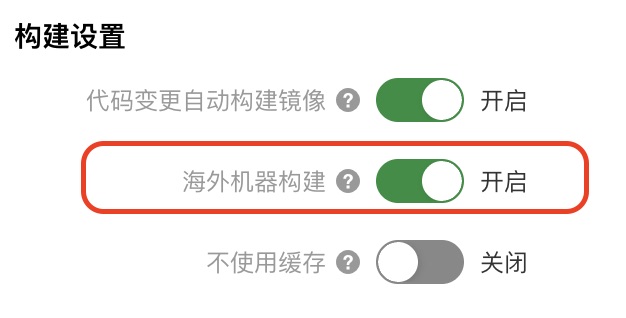
主要原因是国内的镜像节点连不上海外GitHub,一通操作,最后发现阿里云提供了海外机器构建服务,太贴心了!一键搞定